Website live chat for real support teams
Answer website visitors from a shared support workspace, with searchable conversations, shortcuts and clear ownership.
A practical setup checklist: create your workspace, choose the panel language, add a site and test your first two-way conversation.
Start your 14-day free trial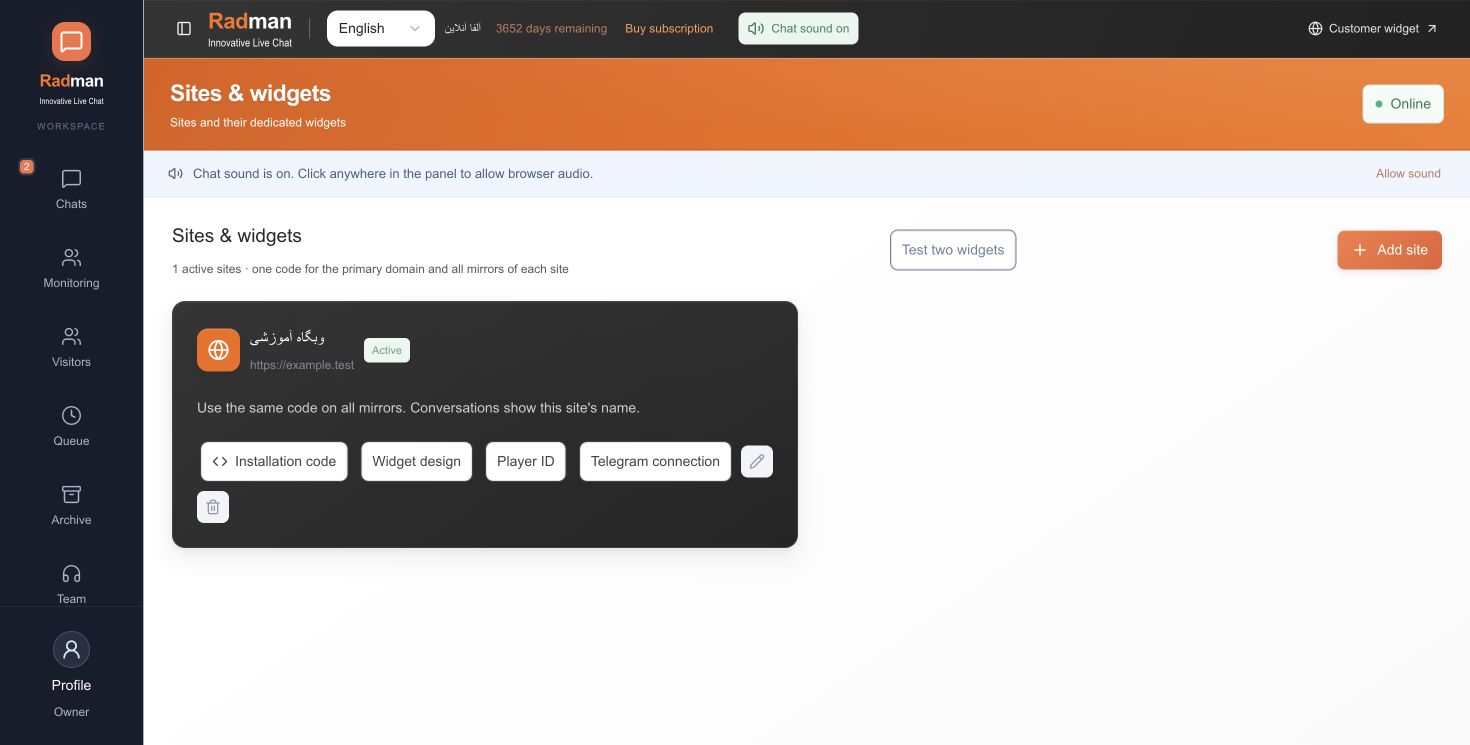
You need permission to edit the target website or help from its administrator. Use the installation code generated for that website in your own Radman workspace. The screenshots show a demonstration workspace; do not copy a site identifier from an example.
Check that the published page contains the installation code for the intended site and that the browser’s content policy allows the required resources. The main domain identifies the site; its mirror domains use the same installation code. Confirm an eligible teammate is online and ready. A widget loading successfully is not by itself proof of a working conversation.
Names, account IDs or other signed-in fields must come through a supported website integration. Do not scrape login credentials, cookies or private tokens to fill a customer profile. Confirm logout clears the previous customer’s identity before launching an account integration.
Choose your own default panel language during signup. No credit card is required to start the trial.