Conversation reviews that support better answers
Review completed support conversations, record scores and track monthly agent ratings with controlled feedback visibility.
Use the conversation record, consistent scoring and private comments to make reviews actionable rather than arbitrary.
Start your 14-day free trial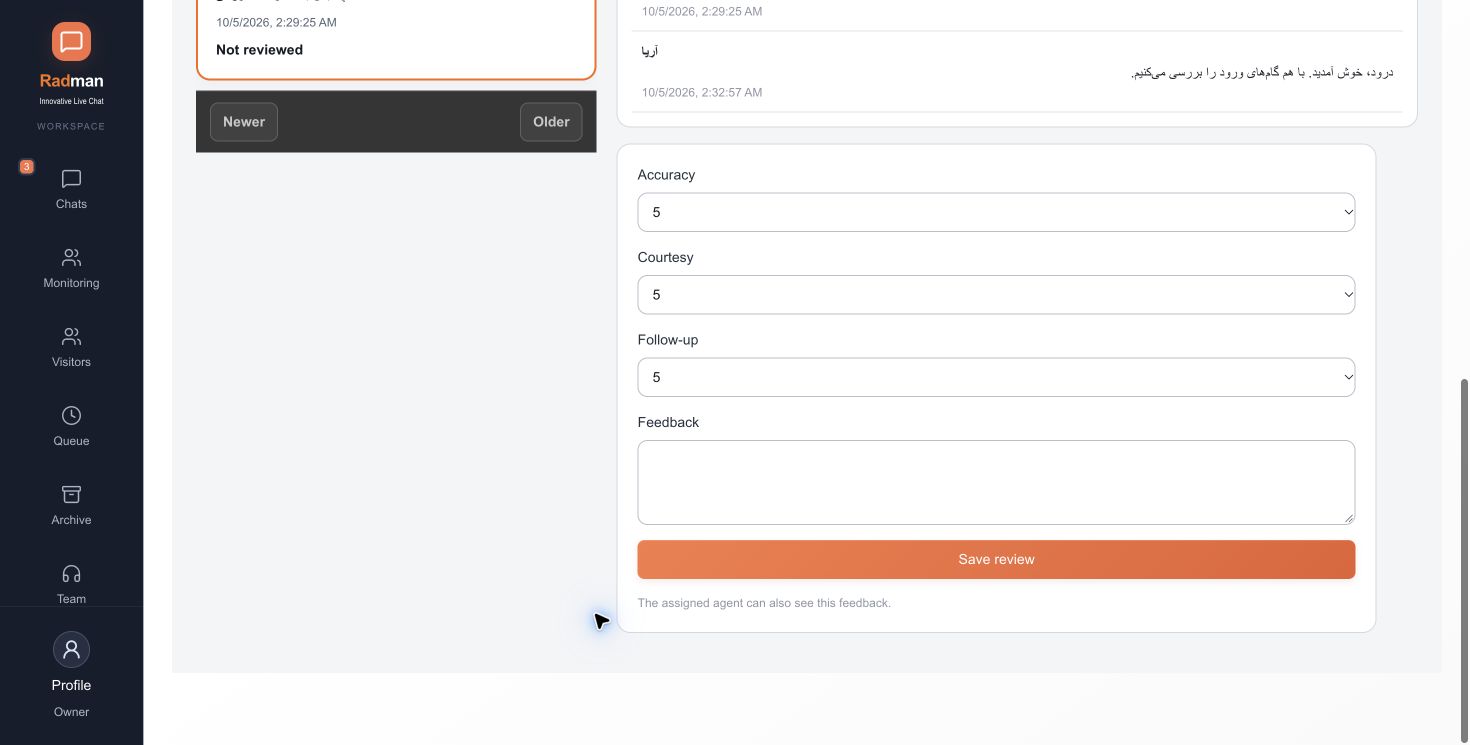
Agree on what reviewers assess before comparing agents: correctness, clarity, courtesy and follow-through. Check the actual account context available to the agent. A slow answer or an unhappy customer alone does not prove poor support.
First response starts at assignment, not at the beginning of the entire visitor session. Customer satisfaction comes only from people who submitted a response. Review the shortest and longest response and the underlying conversations rather than interpreting an average without its sample size.
Grant review-comment access only to the people who need it. Agents should not see the private notes or reviewer identity merely because they can read the conversation. Month-end outcomes are reported for management review; Radman does not automatically deduct salary.
Choose your own default panel language during signup. No credit card is required to start the trial.